Нажмите на отметку времени, чтобы воспроизвести видео с этого момента.
Расшифровка видео
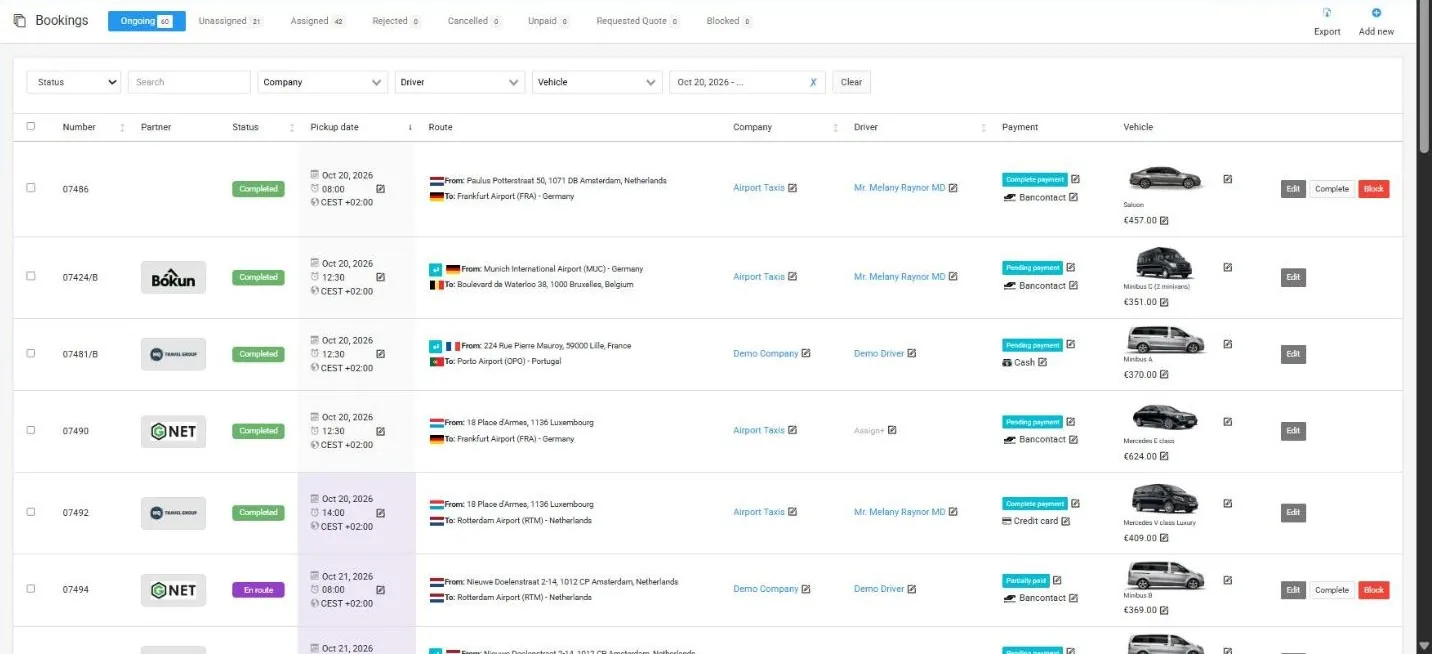
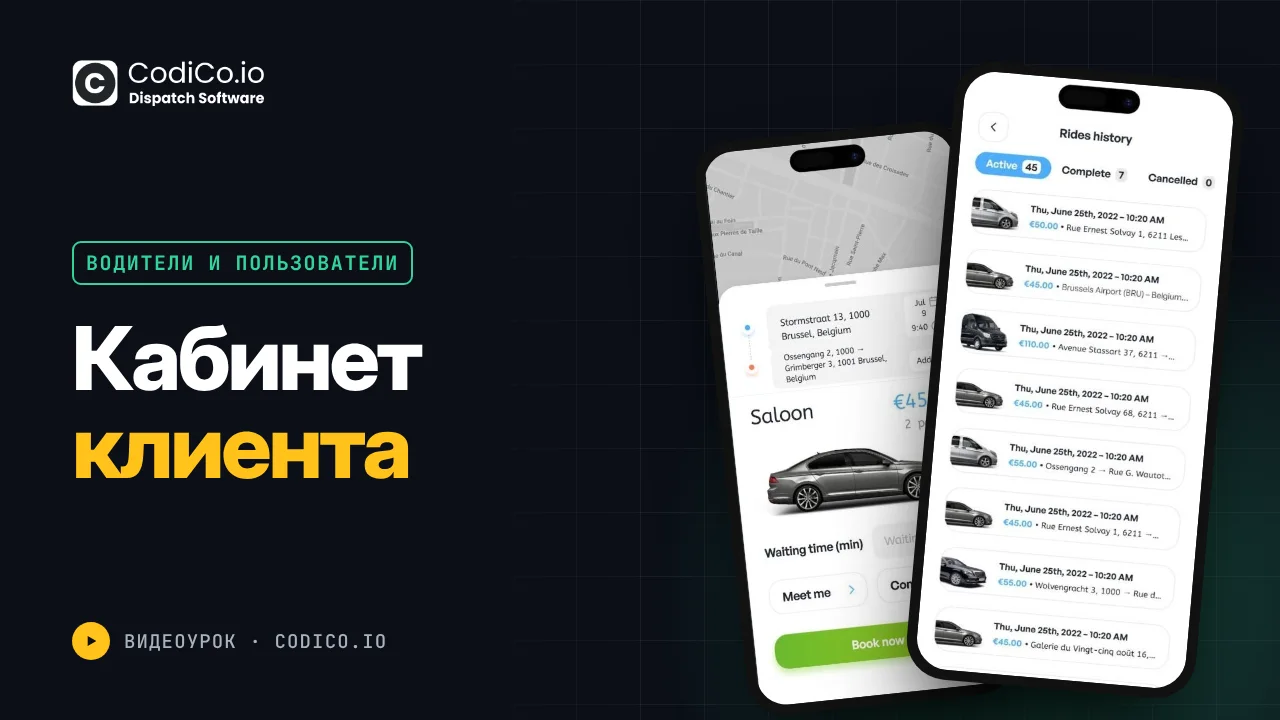
0:01hello everyone in this short video I’ll show you the user dashboard its appearance settings sections and how it works user dashboards are at your Systems address your system slm admin and taxi company dashboards are at your system/ console the regular user dashboard for clients placing orders is at your systems urlm let’s log in and out here’s how it looks login page and there’s a registration page too if you have an account switch back to login it’s available at demoo fly my after login we enter the booking section here users see all orders active in progress completed with tabs for canceled ones in the top right there’s an add new booking
1:20button clicking it opens a widget for placing new orders there’s also a language switcher to change languages and currency for convenience reminder payments are in Euros other currencies are for understanding costs but payment is in euros top right corner has a logout button the main page is the booking section with all client orders search by keyword order number or period the settings section user settings here users enter personal data name email upload photo set default language
2:37French users can choose French and the system will display in French after login same for currency showing preferred currency by default additional data affiliate or partner commission if active if user can manage the rate if not they can’t change this data billing info billing address settings and notification settings enable or disable notifications as desired password section for setting new passwords changing current ones and linked payment methods next is the my cards section here linked cards are stored or add a new card by clicking the invoices section all invoices are displayed here payment slips for orders invoice number purpose amount creation date payment date method used cash cards
3:54or Bank contact and the shared taxi section if the client agrees to a shared ride the system finds a fellow traveler joining options are in this section shared transfer options for joining are displayed here they see car passengers luggage times and can join they decide to join or not that’s all this is the regular user dashboard these are it sections and settings thank you all for your attention
Показать полную расшифровку ↓
Aziza
Менеджер по работе с клиентами
Hello 👋🏻
Есть вопросы о диспетчерской программе CodiCo для трансферов & такси?