Дублирование заказа: копия любого заказа в один клик
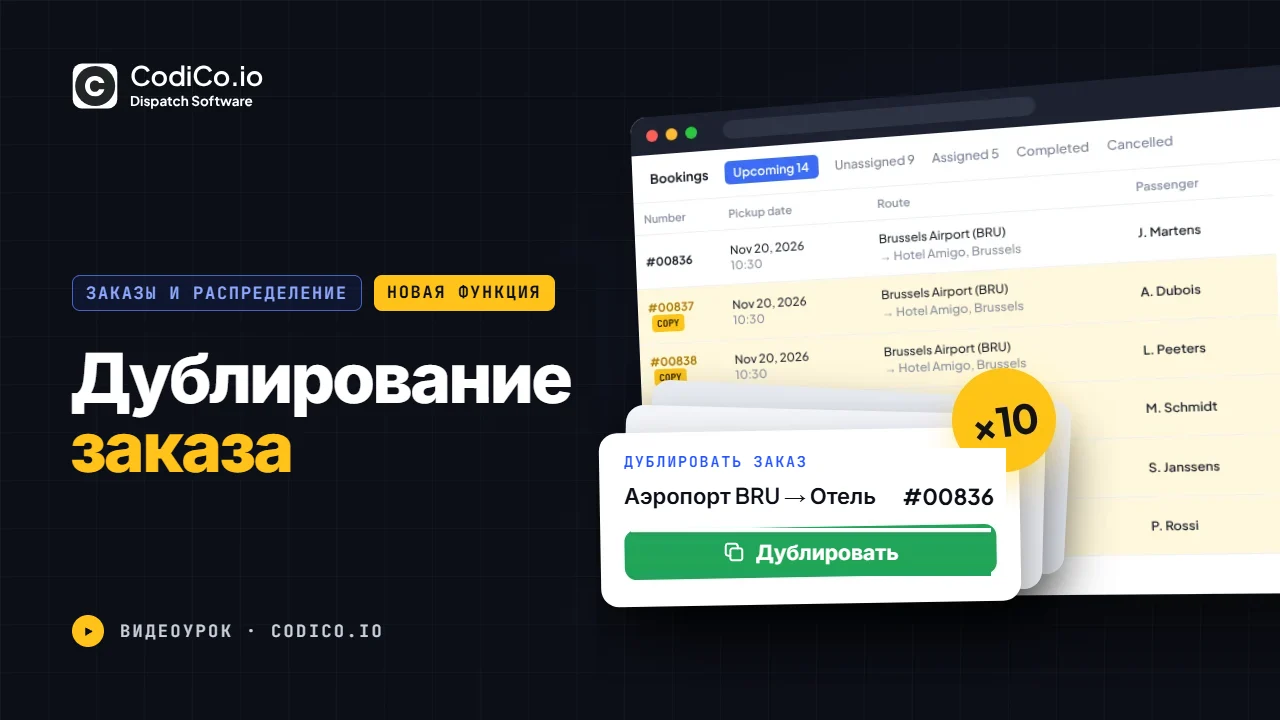
Клонируйте любой заказ одним кликом: маршрут, автомобиль, цена, клиент, оплата и дополнительные опции копируются, остаётся указать новую дату, время или пассажира. Идеально для групповых трансферов, мероприятий и регулярных маршрутов.
Нажмите на отметку времени, чтобы воспроизвести видео с этого момента.
Расшифровка видео
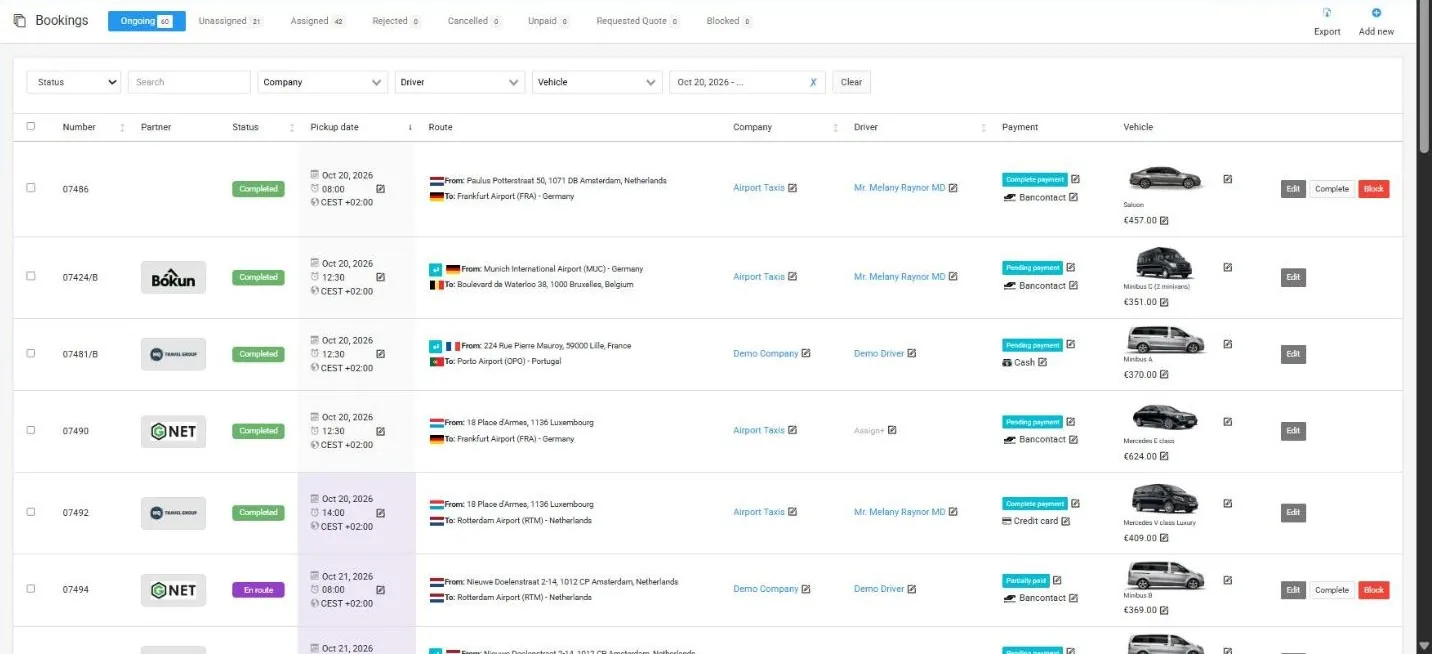
0:01Hello everyone. In this short video, I want to present to you a new feature of our system clone booking. So using this option, you will be able create the same booking duplicate of the booking which you already exist and you will not need to create it from the beginning from the scratch. So for example, let’s go to unassigned bookings. We see that we have a 22 unassigned bookings and first of all first of all booking here is it. So did you see all details booking number 7 952 and here we we have the three-dot icon. So if we will click on it we have here the Clone option. So if we will click on clone the system will open a new new page with the all the same booking details how we can see everything is duplicated and you will just need to choose the correct date and time and who who make this booking. So that’s all all other informations and detail is already filled included the client info, payments amounts, payment methods and so on so on. So all additional options, booking details, pick up and drop off location. So everything is is already
1:21filled. So let’s choose the date 21 November. And let’s save this booking. And now we see that in unassigned section we already now we have a 23 bookings not 22. And if we will sort all bookings by booking number here is it we see the same bookings duplicate the bookings from the booking number one with another date and time but all other information is the same. So if we click on it here is it. So everything is filled. So now you can create create the same bookings in a seconds. Thank you for your attention. Have a good day.
Показать полную расшифровку ↓
Aziza
Менеджер по работе с клиентами
Hello 👋🏻
Есть вопросы о диспетчерской программе CodiCo для трансферов & такси?