ИИ-диспетчер: создание, изменение и отмена заказов голосом
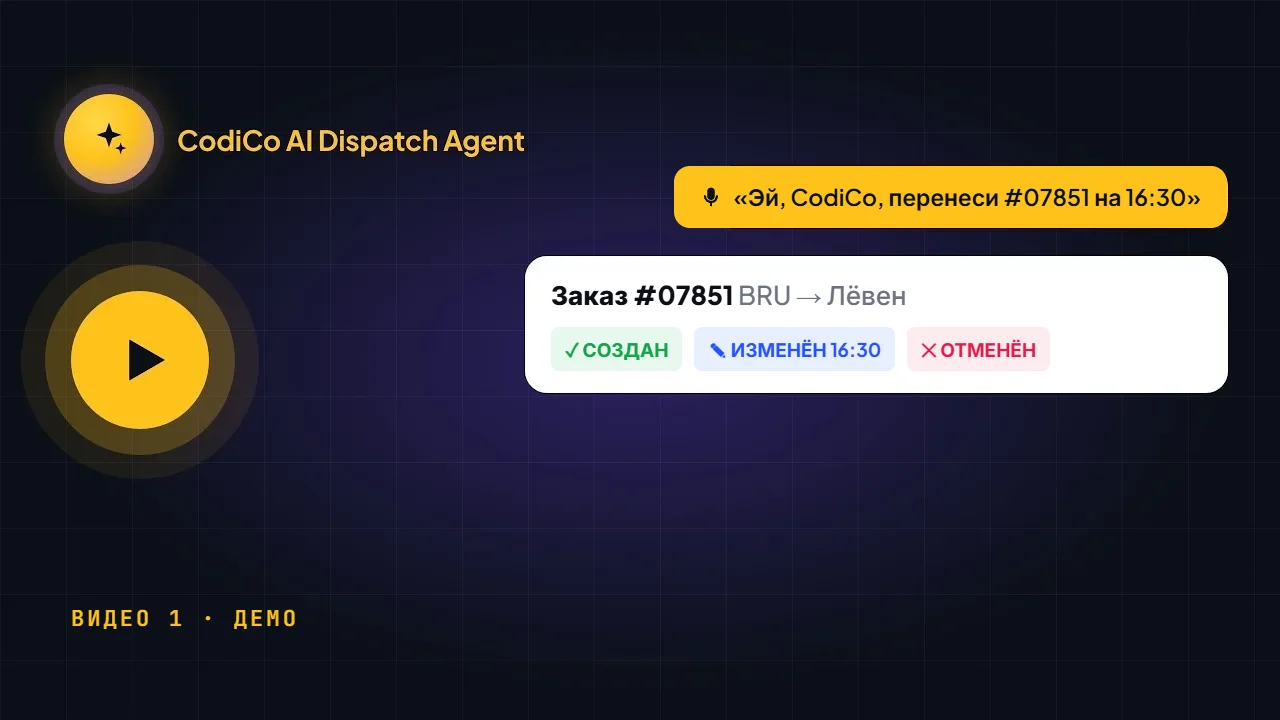
Посмотрите, как ИИ-диспетчер CodiCo создаёт заказ на трансфер из аэропорта, переносит время подачи, добавляет детские кресла и отменяет его — голосом или в текстовом чате, с подтверждением перед каждым изменением.
Нажмите на отметку времени, чтобы воспроизвести видео с этого момента.
Расшифровка видео
0:01Hello everyone. This is a quick video presentation of our AI dispatch agent. So let’s try to create a new booking. Hey CodiCo, please create a new booking from Brussels Airport to Ibis Hotel in Brussels. Date is 20 October, 17:00. Two passengers, two bags. Flight number L123L. Vehicle type is minibus A. Booking cost is 120 euro. Payment method is credit card. Payment status is payment complete.
0:49Customer name Artem, customer email and customer phone number. Okay. And now let’s check what booking he will create for me. Just a little wait. This is a demo. Okay. He’s starting to create a new booking.
1:42Okay. Confirm. Okay. Now we see 20 October, 17:00. Two passengers, two bags, from Brussels Airport to Ibis Hotel. Flight number L123L. Vehicle type minibus A, cost 120 euro. Payment complete, credit card, the customer email and phone number. Okay, perfect. So now let’s update this booking and move the pickup time to 20:00 and also add one baby seat and one child seat.
2:38Okay. So now he should change the time and add one baby seat and one child seat. Yes. Confirm. Okay. Now let’s refresh the page. And we see the time is changed. And the baby seat is added. The child seat is added. Okay. Perfect. So now: hey CodiCo, please cancel this booking.
3:23Now let’s see how to cancel it. Yes, confirm. Okay, let’s refresh and cancel. Yes, sorry. The reason: test.
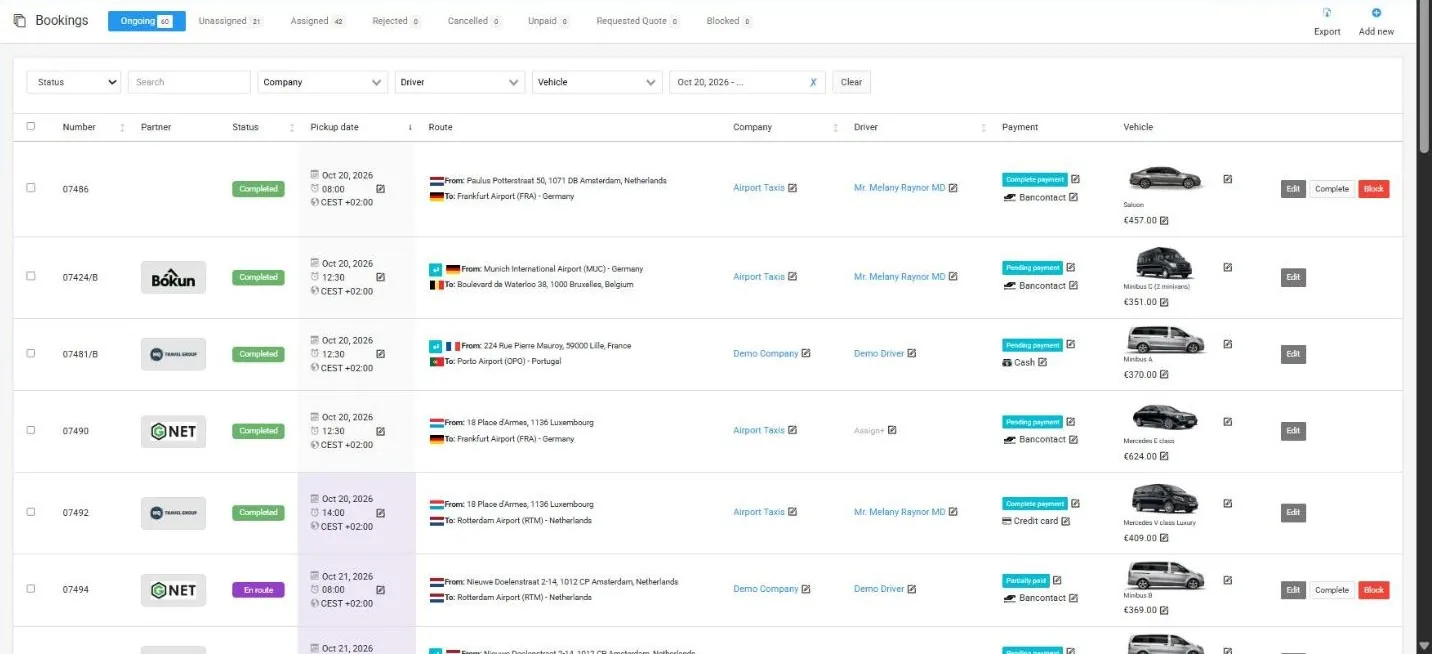
4:09So you can talk to him via chat or via voice. Confirm. So now I’m showing you how you can talk to him via chat. Okay. So if we refresh this booking, we will see that it’s already cancelled. This is booking number 34. So if we go to the cancelled bookings, we will see it here: the booking is cancelled and the reason is test. Okay. And we can do the same with voice. For example, unassigned booking 31.
4:58Please find booking number 0031 and cancel it. Let’s check. Okay, he already found it. Confirm. Okay. Now let’s go to the cancelled bookings and we see that two bookings are cancelled. So you can manage this AI dispatcher via text or via voice. It doesn’t matter. Thank you for your attention.
Показать полную расшифровку ↓
Aziza
Менеджер по работе с клиентами
Hello 👋🏻
Есть вопросы о диспетчерской программе CodiCo для трансферов & такси?