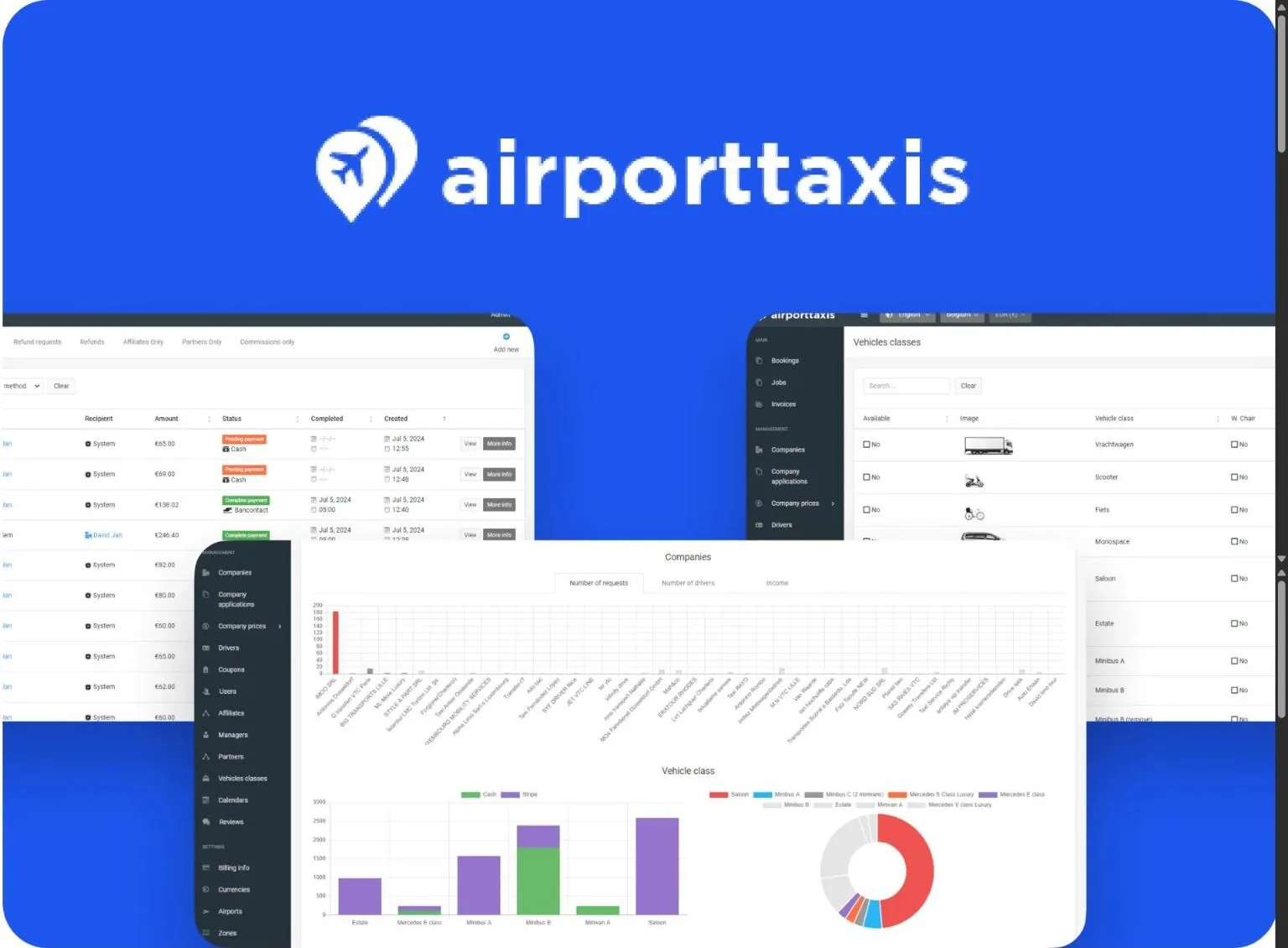
0:01Hi deers, in this video I want to present you our new system update which we have finished it and we have worked hardly several months on it and now we are ready to present it for you. So first of all we have reorganized our uh navigation panel and make it more friendly and more intuitive. So uh everything is smoothly now and comfortable for using. Uh also the big update u uh we have done in uh zones and divisions part. So we have decided uh uh stop to continue use the division and now you can work uh in the old world and uh restrict your operation zones using the zone sections and uh will make it more more friendly. Uh so now you don’t don’t need to create the country and after this uh uh split the country by by zones. Now we can create any zones uh and work in in the zones also.
1:15We have done a big work with uh UI and make uh the work most more friendly. So now you can click on any records and the details will will be opened in a popup. So you can uh check all details and uh make the changes without losing your position on the page. Uh uh the same we have updated the new booking form uh in the system. So now it’s more flexible and you can create any booking uh included the booking from previous date and time to any location with any count of the passengers. Uh you can set up the payment mthoods uh amounts uh deposits uh partner commission affiliate commission pay to driver the payment mth hoods and payment status is it complete or partition complete or pending payment. So everything is uh is changed uh every you can set up everything when you create a new booking and plus uh you can you can assign any any vehicle types to any booking. So doesn’t matter how many passengers you has uh
2:31and you you are not restick by uh some settings right now. So when when you will create a new booking from the system uh you can create uh it as you want and plus uh we have added uh a new feature. So when you will will start to type the customer name the system will suggest you the list of the uh compatible users and you you can choose it from from the list and the system will automatically fill all the fields or if you don’t have such user in your database you can just continue to add his name, email, phone number and when you will create the booking the system automatically will create and add uh this users uh to your system. Plus we have added short way to contact with the customer with the partners with the drivers uh it doesn’t matter. So from the booking or from the profile uh so we have added the icons for email. Uh so when you will click you can write your message text and send it to customer or to driver or to partner via email or we also added the WhatsApp icon. So when you will click on it, you will be able to uh
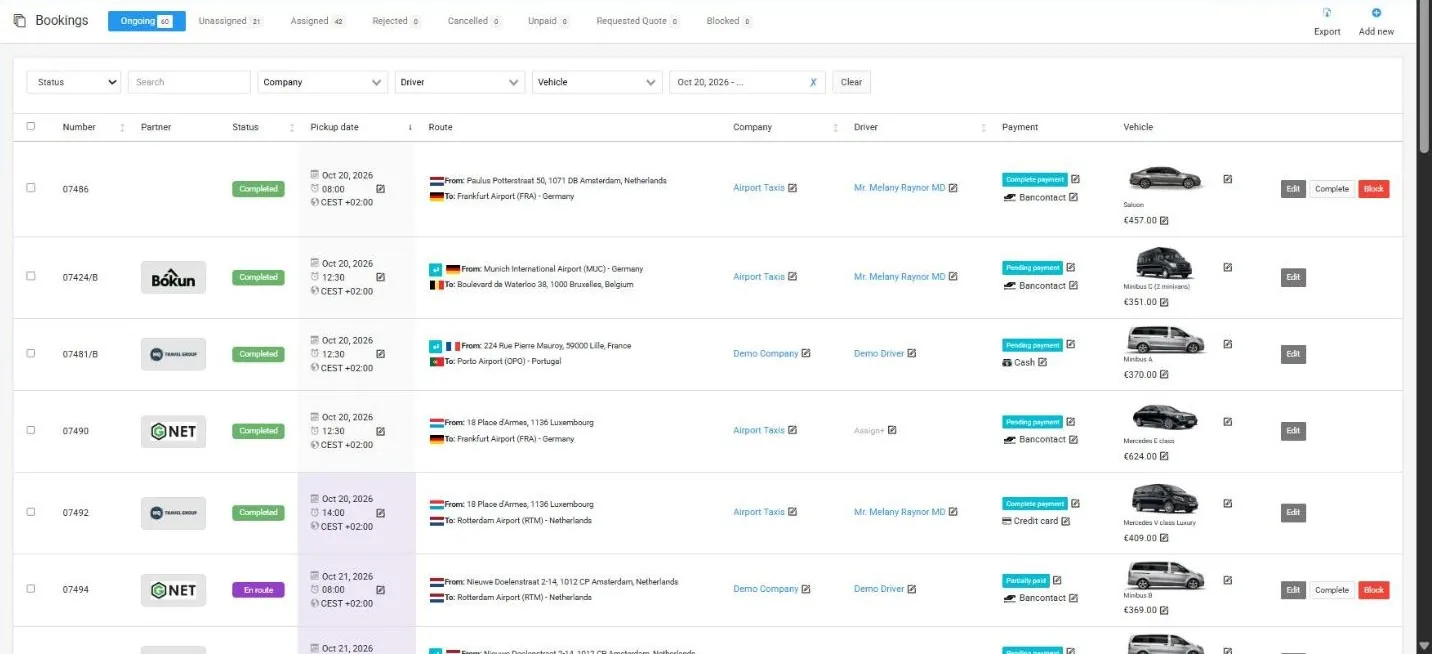
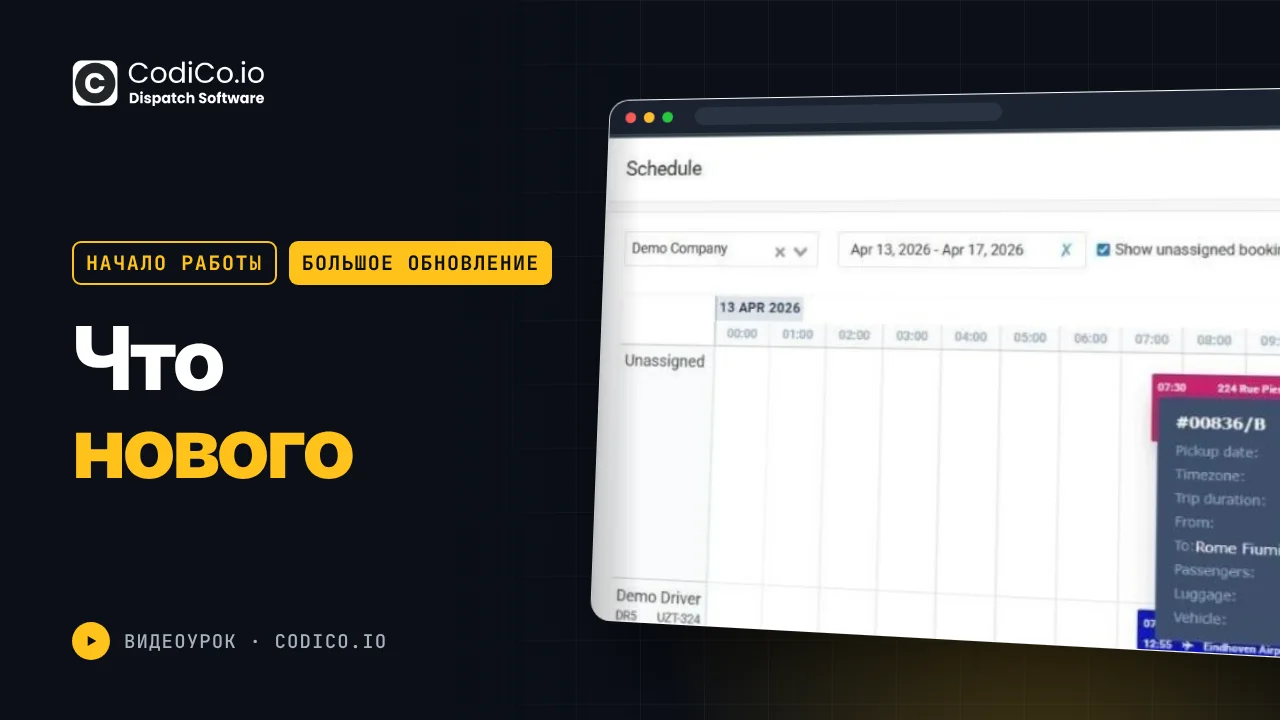
3:47start to message with this uh customer via WhatsApp. Uh the same with the ongoing bookings. So just can click on it and see all details. [snorts] Uh also we have uh made many changes uh in a scheduleul planning uh model. So right now uh our idea was uh that uh you you can make all your business operation in just this one one page. So here you can see all new bookings which is not assigned. You can assign the booking using the drag and drop to your drivers. Uh you can see all available bookings or assigned bookings. You can click on the bookings and you will see all details from the popup directly. Here also you can see the time uh timeline in 5 days.
4:41Uh so in previous version it was just one day but now it’s available for the 5 days in uh any uh any period and uh you can work with your partner. You can see not only your own uh load balance uh and uh your bookings you can see the same information from your for your partners. [snorts] Uh you can create a new bookings directly here. Just click create a new booking and uh you’ll see the popup the same popup and you can uh fill it form and the booking will add it automatically or you can click on a timeline and the system will use your date and time automatically will will uh apply your company your driver and you just will need to fill uh other information about the bookings and uh after the saving booking will automatically added uh to uh to the model.
5:39[snorts and clears throat] Next, we have added CodiCo mobile drivers app. Uh so this is a ready to use from the box mobile apps from your drivers. So they just will need to download them and using this instruction uh to login and start to receive the bookings from you and make it using the these apps. Also we have reorganized the uh company profiles. So we have added direct contact uh features here. We have deleted some not needed fields. Uh yeah we we have combined all types of the rights airport transfer city taxi and delivery in just one uh options. So now you can uh you don’t need to choose what kind of types of the drive transfer you provide. So you can just uh choose the cars which you have uh choose uh restrict your uh city taxi service area if you have. If not uh it will it will mean that you work anywhere or if you works in exact uh country or exact city
6:54or in exact area you can add it here. Uh also we have modified drivers profile. So now there is a more simple form and it will be easy to add the drivers in the nearest futures future. We are planning to add the commission here. So the system will automatically calculate the commission with your uh freelancer or with with your driver which works with with you by commission or by fixed price. uh also the big update uh we have done for the vehicles. So in the previous version uh each vehicles uh has the different types uh where it’s available for airport transfers or for city taxi or for uh delivery. Now we have deleted it. So you don’t need to uh to provide the same information for each type of the uh rides and also in the vehicles uh [sighs] uh parts you just you just need to add your vehicles and and this car basic price. [snorts] So that’s all. If you want to add the special road pricing
8:09from between zones to zone, you can make it here. And you don’t need to provide the separate uh separate information about pricing for uh each car. You can make it all in one one page in one place. For example, from Brussel airport to Luxmbourg, the fixed price. And here you can provide the uh fixed price for all type all available in your system uh type of the cars. Uh here you can choose what the payment m hoods you accept. Uh if this is not fixed price is is a uh if you want that the system calculate price per kilometer. So you can deactivate this fix it and now you can uh provide the minimal price uh for each car and you can provide your prices per kilometer for for each type of the car. For example, for saloon, for estate, for mini bus and here you can set up what’s the distance. For example, from 0 to 10 kilometer, my price for saloon will be free. from 2 kilometer to 5 kilometer my price will be 2.6 six Yra and so and so and so and so also if you want to works
9:27as aon is the same you can activate the alone option and can provide your com your commission for each uh type of the car the same with additional services like a baby seat child seat uh bikes sky equipment so here in this section you can provide uh in one place you can provide the prices for each your cars. The same with the day uh date and night pricing. So uh here you will be able to set up where when the night uh time starting when it’s added uh ended uh what uh need to do with the price replace it or plus it and set up the pricing for each car separately in one place in one record. So it starts to make uh much comfortable for you and you can set up the all your prices much faster.
10:24Uh same with the period pricing. So you can set up the period uh start period end date and time and set up the special pricing for each your car uh in one records and uh vehicle ability rules. So here you can set up uh choose uh the zones or uh rides between zones and set up what kind of car is uh allowed for such ride, what kind what kind of car is not allowed, what kind of what kind of cars is only pickup or only drop off. Okay. Also we have updated uh our uh functionality with the airports. So everything is looks same but we uh in the bottom of the page we have started to showing the uh the zones which link it with the airport because uh sometimes uh when you in the previous system when you delayed the zones which link it with the airport after this the airport will stop it to work like like a airport. So now you can you can see what the zone is linked with your airport. You can click on it and go to the zone section where this airport is already will be chosen.
11:36Uh and you can see it on the map. So you can easily and fast modified it. And also the system will not provide you option to remove the zone which link it with the airport only. You will be able to make this only deleted uh deleted the airports. Uh what else? Uh [sighs] we have added booking import and user import. So you can uh upload our uh template uh Excel template. You can fill it with your information and make make the import to the system. We have reorganized our notification. So we separated by category. So here you can see all notification which will receive your customer. Here’s all notification for admin uh for a company partner company or for the drivers. And also we have updated the text of the each emails. We have translated them to all languages and make it more uh professional. Uh so you can you can use this emails from the box.
12:42Uh okay uh what we have we have updated our S&TP settings. So by default the system can work on our uh default S&TP or if you have your own SMTP you can provide it here or you can use your Gmail S&TP and also we have added functionality for sending the test email. In the core uh in the uh system settings we also made a lot of updates uh included the general settings. So here now you can set up your uh company name uh your your details and choose the default company. So default company can be your own company and this means that all bookings which will be uh come into your system will be automatically uh assign it to you and uh go going to the ongoing bookings. So going to work uh so now you don’t need to uh accept uh uh open each booking uh accept it. So everything going automatically and also we have reorganized our booking limits and rule settings. So now it’s uh more uh more user friendly and more
13:58understandable and uh you can set up just radius uh just uh limits uh operation rules uh set up your business automation uh settings and uh set up your booking form display settings. If you if you want to uh deactivate your booking form from your website, you can make it here. [sighs] So uh I think uh it’s all now we also are planning to add a make a new update in this months. So we will be in touch with you and we’ll inform you after update. I hope this video will will be useful for you and uh our update will really uh help you to manage uh more effective and more fast all your operations. Thank you for your attentions. Bye-bye.