















Running a transport business rarely happens from one desk. Dispatchers cover the evening shift from home, owners check bookings from the airport lounge, and someone updates the website from a hotel lobby between two client meetings. Each of those moments has one thing in common: an admin login sent over a network you do not control.
That is the gap a VPN closes. This guide explains, in plain terms, what a VPN does and does not protect, which details matter when you choose a free plan, and which services are worth testing first.
Why your admin logins are the weak spot
Your website already encrypts traffic with SSL, and a good dispatch platform does the same. The problem is usually not the server. It is the network between you and the server.
On an open or shared Wi-Fi network, anyone on the same network can try to see where you connect, interfere with your traffic or lure you onto a fake hotspot with a familiar name. A captured session gives an attacker the same access you have: bookings, customer phone numbers, driver data, payment settings or the ability to change pages on your site.
For a taxi, transfer or NCC company that is not only an IT problem. Customer data falls under GDPR, and a leaked admin session can mean cancelled rides, edited prices or a defaced booking page during your busiest week.
What a VPN actually does
A VPN (virtual private network) creates an encrypted tunnel between your device and a VPN server. Everything you send travels through that tunnel first, so people on the same café or hotel network only see scrambled data going to one address.
In practice this gives you three things:
- Encrypted traffic on networks you do not trust, including hotel, airport and train Wi-Fi
- Your real IP address and location hidden from the sites you visit
- Fewer chances for a fake hotspot to read or change what you send
What a VPN does not do is just as important. It does not replace strong passwords, two-factor authentication, regular updates or backups. It will not stop you from typing your password into a phishing page. Think of it as one layer in a setup that also includes safe WordPress updates and ongoing website maintenance.
When a VPN makes the most sense
- Dispatchers or managers who log in to the admin panel from home or on the road
- Owners who approve invoices, refunds or price changes from public Wi-Fi
- Anyone who edits the company website away from the office
- Teams that share one office network with other companies, such as in a co-working space
If all your admin work happens on a secured office network, a VPN adds less. The moment people work remotely, it becomes a cheap and easy safeguard.
What to check before you pick a free VPN
Free plans exist because they lead to paid ones, so every free plan has limits. Some of them are harmless, others are deal-breakers. Before installing anything, check these points on the provider’s own website, because free plans change often:
- Who runs the service and where the company is based
- A clear no-logs policy, ideally confirmed by an independent audit
- Monthly data allowance and speed limits on the free plan
- How many devices you can connect at the same time
- Whether you can choose a server or are assigned one automatically
- Whether the free plan shows ads or limits apps to certain platforms
- A kill switch that blocks traffic if the VPN connection drops
- Modern protocols such as WireGuard or OpenVPN
Be careful with unknown “unlimited and free” apps. Running a VPN network costs money, and a provider that does not charge you may be paying for it with your data. A free tier from an established, paid VPN company is usually the safer choice.
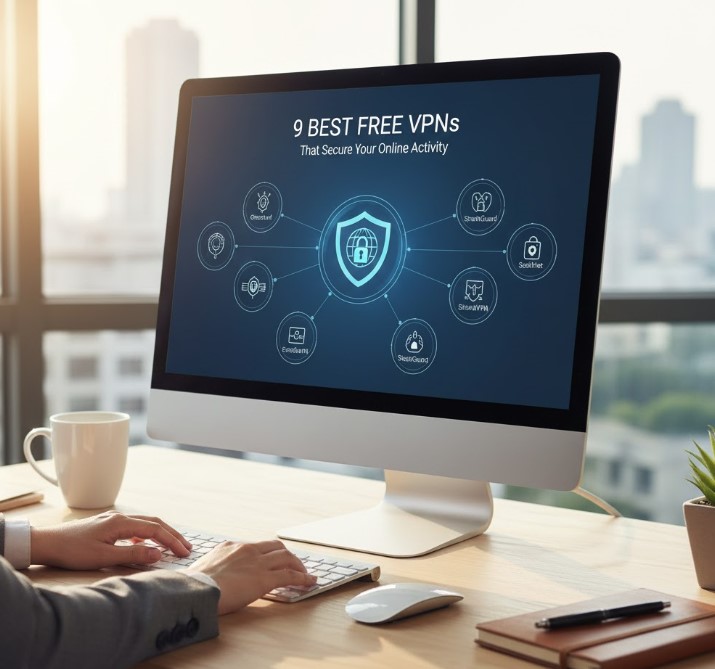
7 VPNs worth testing
The list below mixes free plans from established providers with two paid services that offer a money-back period. Limits and prices change, so treat this as a starting point and confirm the current conditions before you decide.
1. Proton VPN
Built by the team behind Proton Mail and based in Switzerland. The free plan has no data cap and no ads, which is rare. The trade-offs are a limited choice of servers and one connected device. A strong default for anyone who wants a free VPN to use every day.
2. Windscribe
Windscribe offers a free plan with a generous monthly data allowance once you confirm your email, plus servers in a handful of countries. Desktop apps and browser extensions make it easy to protect both your laptop and your browser sessions.
3. TunnelBear
Simple, friendly apps and a long track record of publishing independent security audits. The free plan only includes a small monthly amount of data, so it suits occasional logins rather than a full working day on the VPN.
4. hide.me
A free plan without ads, with a monthly data allowance and a few server locations to choose from. It supports the common protocols and works well as a backup VPN for short sessions on hotel or airport Wi-Fi.
5. Hotspot Shield
The free version is quick to install and protects one device, but it shows ads and gives free users little control over server location. Fine for an occasional login, less pleasant for daily work.
6. NordVPN (paid, money-back period)
Not free, but often recommended for teams that handle sensitive data. It offers a large server network, a kill switch, audited no-logs claims and a money-back period, so you can test it in your daily routine before committing.
7. Private Internet Access (paid, money-back period)
A low-cost paid option with many simultaneous connections per account, which helps when several dispatchers or managers need protection. It also offers a money-back period for testing.
Setting up a VPN in five minutes
- Download the app only from the provider’s official website or the official app store
- Create an account if the plan requires one, using a unique password
- Turn on the kill switch and choose “connect automatically on untrusted networks” if available
- Connect, then open your dispatch panel or WordPress admin as usual
- Disconnect when you are finished or leave the VPN on for the whole working day
Final thoughts
A VPN will not make a weak password strong, but it removes one of the easiest ways to steal an admin session: an unprotected network. For transport companies whose staff work from airports, hotels and home offices, that is a small habit with a big effect.
Combine it with two-factor authentication, regular updates and backups, and your bookings, customer data and website stay protected wherever your team logs in from. If you want a team that keeps your site updated, backed up and monitored for you, take a look at our website maintenance service.