

















When visitors land on your website, their experience hinges on how quickly the page loads. A slow-loading site can frustrate users and lead to high bounce rates. One of the main culprits behind slow loading times is render-blocking resources. These are files that prevent a web page from displaying content until they are fully loaded. Fortunately, there are several methods you can use to eliminate or minimize these resources, improving your website’s speed and overall user experience.
Understanding Render-Blocking Resources
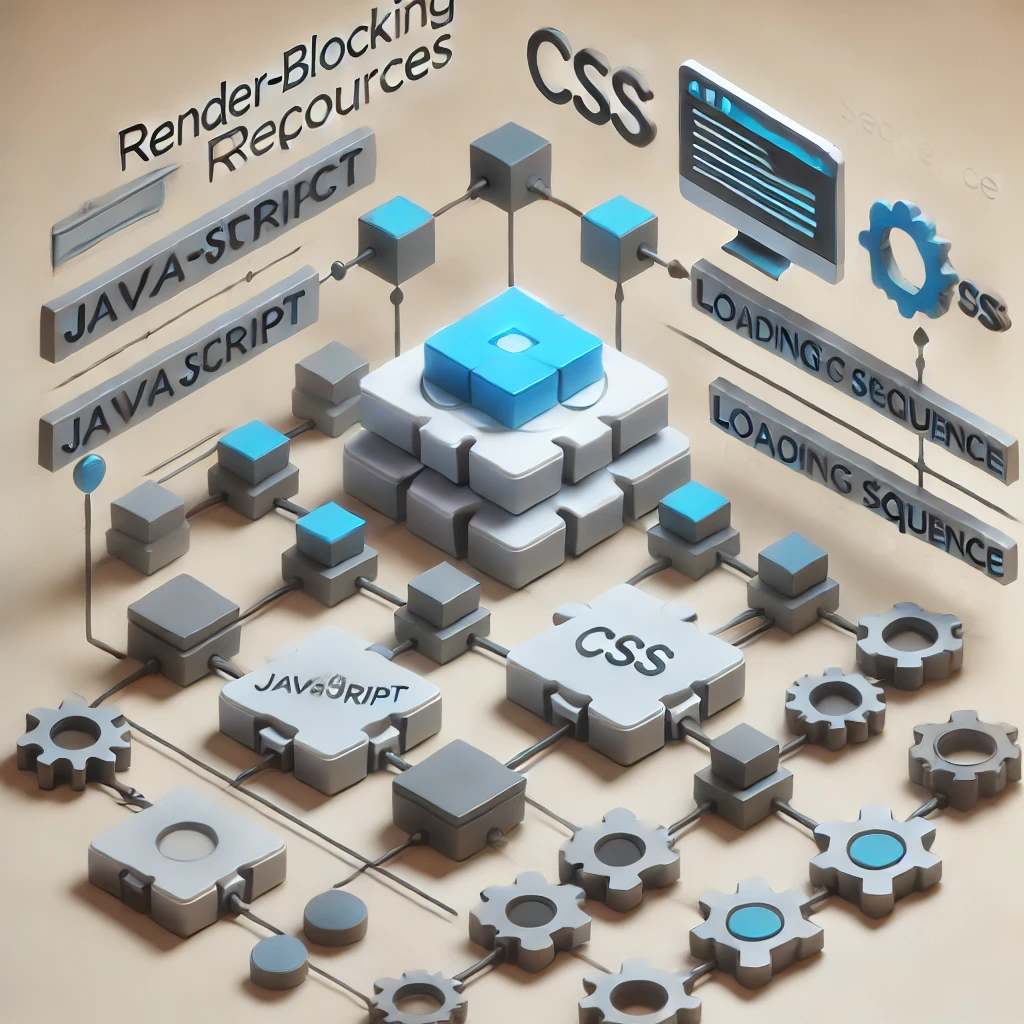
Render-blocking resources are typically JavaScript and CSS files. When a browser encounters these files, it must fully load and process them before rendering the rest of the page. This can delay the display of critical content, leading to a poor user experience.
To keep your website responsive and fast, it’s essential to tackle these render-blocking resources effectively. Let’s explore some practical strategies for doing just that.

1. Defer JavaScript Loading
JavaScript files often cause delays because they load before the main content. To improve load times, consider deferring the loading of JavaScript. This technique allows your web page to load without waiting for JavaScript to finish loading.
To defer JavaScript, you can add the defer attribute to your <script> tags in the HTML. This tells the browser to download the script but execute it only after the HTML document has been fully parsed.
<script src="example.js" defer></script>
By using this method, visitors can start viewing your content while the scripts load in the background.
2. Asynchronous Loading for JavaScript
Another approach is to load JavaScript files asynchronously. When you use the async attribute in your <script> tags, the browser will download the file while continuing to render the page. However, unlike the defer method, the script will execute as soon as it is downloaded, which can lead to execution order issues if scripts depend on each other.
<script src="example.js" async></script>
Using async is ideal for scripts that do not rely on other scripts being loaded first.
3. Optimize CSS Delivery
CSS files can also block rendering if they are not optimized. Here are a few ways to improve CSS loading:
- Inline Critical CSS: You can inline the CSS needed for the above-the-fold content directly within the HTML. This means that the browser can render this content immediately, without waiting for external CSS files to load.
- Load Non-Critical CSS Asynchronously: For CSS that is not critical to the initial rendering, consider loading it asynchronously. You can do this by adding a
mediaattribute and changing it toallafter the stylesheet has loaded.
<link rel="stylesheet" href="styles.css" media="print" onload="this.media='all'">
This technique allows the page to load without waiting for the non-essential styles.
4. Minify CSS and JavaScript Files
Minifying your CSS and JavaScript files reduces their size by removing unnecessary spaces, comments, and characters. Smaller files load faster, which can significantly improve your site’s speed.
Many tools and plugins can help you with minification, such as:
By minifying your files, you can improve load times and overall performance.
5. Combine CSS and JavaScript Files
Combining multiple CSS and JavaScript files into one can reduce the number of HTTP requests made by the browser, which can speed up loading times.
For CSS, try to combine all stylesheets into a single file. For JavaScript, consider creating a few main script files instead of having many smaller ones.

6. Use a Content Delivery Network (CDN)
A CDN can significantly improve your website’s speed by serving your files from locations closer to your users. CDNs distribute your content across multiple servers worldwide, ensuring faster access times and reduced latency.
By utilizing a CDN, you can offload some of the traffic from your main server and improve loading speeds for users across different regions.
7. Optimize Images and Other Resources
While not strictly render-blocking, large images can significantly slow down your website. Ensure that all images are optimized for the web by using the correct file formats (like JPEG for photos and PNG for graphics) and compressing them without sacrificing quality.
8. Leverage Browser Caching
Implementing browser caching allows frequently accessed resources to be stored on users’ devices. This means that when they revisit your site, their browser can load the files from their cache instead of downloading them again. You can set caching rules in your server configuration or via your CMS settings.
9. Regularly Test Your Site’s Speed
Finally, regularly testing your website’s speed will help you identify and fix render-blocking resources. Tools like Google PageSpeed Insights, GTmetrix, and Pingdom can provide insights into what is slowing down your site and how to fix it.
Conclusion
Eliminating render-blocking resources is crucial for enhancing your website’s loading speed and improving user experience. By deferring or asynchronously loading JavaScript, optimizing CSS delivery, and utilizing techniques like minification and CDN, you can significantly reduce load times.
If you find these strategies overwhelming or need assistance, CodiCo is here to help you optimize your website and achieve better performance. Don’t hesitate to reach out for professional support!