














Creating a website on WordPress is a fantastic way to establish your online presence. As one of the most popular content management systems (CMS) in the world, WordPress offers endless customization options, user-friendly interfaces, and tools for both beginners and professionals. However, even with its simplicity and power, mistakes during website development can lead to costly setbacks.
In this guide, we’ll explore the top 10 mistakes people make when creating a WordPress website and how to avoid them. These insights will help ensure your website is not only functional but also optimized for growth and performance.
1. Choosing the Wrong Hosting Provider

The foundation of any successful WordPress website is reliable hosting. Selecting a low-quality or incompatible hosting provider can lead to slow page load times, frequent downtime, and security vulnerabilities.
How to Avoid This Mistake:
- Opt for WordPress-recommended hosting providers such as Bluehost, SiteGround, or WP Engine.
- Ensure your hosting package meets your website’s needs in terms of bandwidth, storage, and scalability.
2. Ignoring Mobile Responsiveness
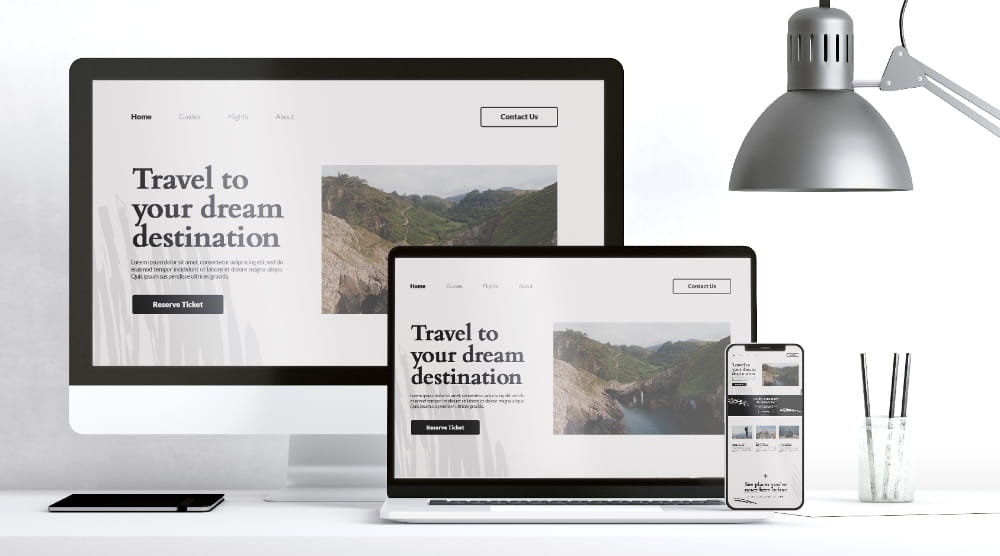
In 2024, mobile-first design is not optional. A non-responsive website will frustrate users and hurt your search engine rankings.
How to Avoid This Mistake:
- Use mobile-responsive WordPress themes like Astra or Divi.
- Regularly test your site’s mobile performance using tools like Google’s Mobile-Friendly Test.
3. Using Too Many Plugins
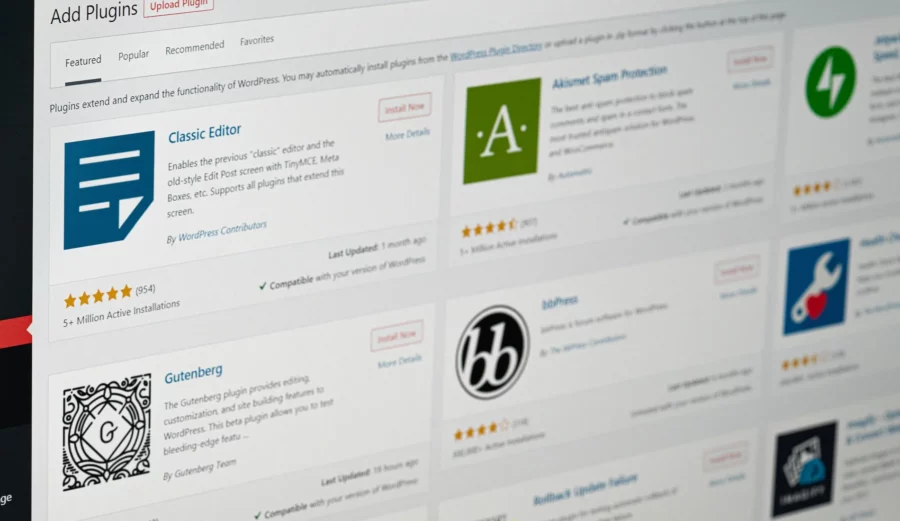
Plugins are essential for extending WordPress’s functionality, but overloading your website with plugins can cause compatibility issues, slow performance, and even security vulnerabilities.
How to Avoid This Mistake:
- Only install plugins that are essential for your website.
- Use reputable plugins with high ratings and regular updates. For example, Yoast SEO for optimization or WooCommerce for eCommerce.
4. Failing to Customize Your Theme Properly
Using a default theme without proper WordPress customizations can make your website look generic and unprofessional.
How to Avoid This Mistake:
- Invest in premium themes or hire a professional WordPress developer for customizations.
- Add unique branding elements such as your logo, color scheme, and custom fonts to stand out.
5. Overlooking SEO Basics
Many beginners fail to optimize their websites for search engines during the development stage, which affects visibility and traffic.
How to Avoid This Mistake:
- Install an SEO plugin like Rank Math or Yoast SEO.
- Use proper heading structures, meta tags, and alt text for images.
6. Not Securing Your Website
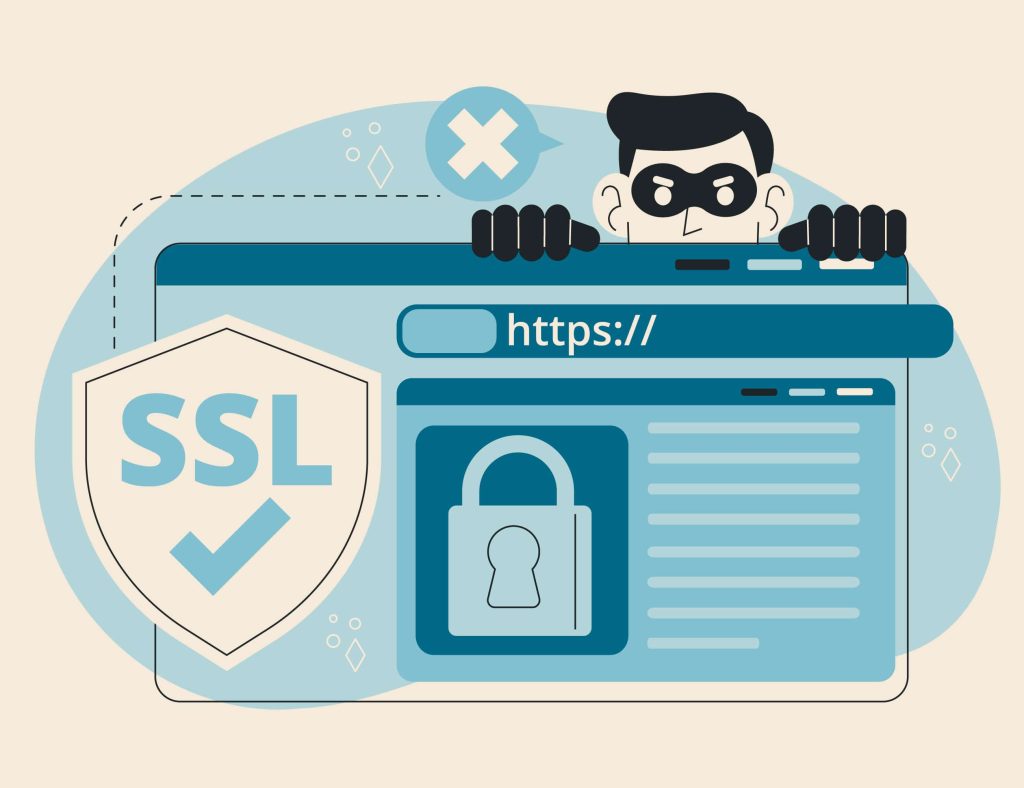
Security is a critical aspect of website development. Failing to implement strong security measures can leave your site vulnerable to hacking and data breaches.
How to Avoid This Mistake:
- Use an SSL certificate to encrypt data.
- Install security plugins like Wordfence or Sucuri.
- Regularly update your WordPress core, themes, and plugins.
7. Skipping Backups
Imagine losing all your hard work due to a server crash or hacking incident. Skipping regular backups is a mistake no website owner can afford.
How to Avoid This Mistake:
- Use backup plugins such as UpdraftPlus or BackupBuddy.
- Set up automatic backups to store copies on cloud services like Google Drive or Dropbox.
8. Poor Navigation and User Experience
Confusing navigation can drive users away and hurt conversions. A cluttered menu or disorganized content layout makes it hard for visitors to find what they’re looking for.
How to Avoid This Mistake:
- Keep your navigation menu simple and intuitive.
- Use breadcrumbs and clear calls to action (CTAs) to guide users.
9. Ignoring Page Speed Optimization
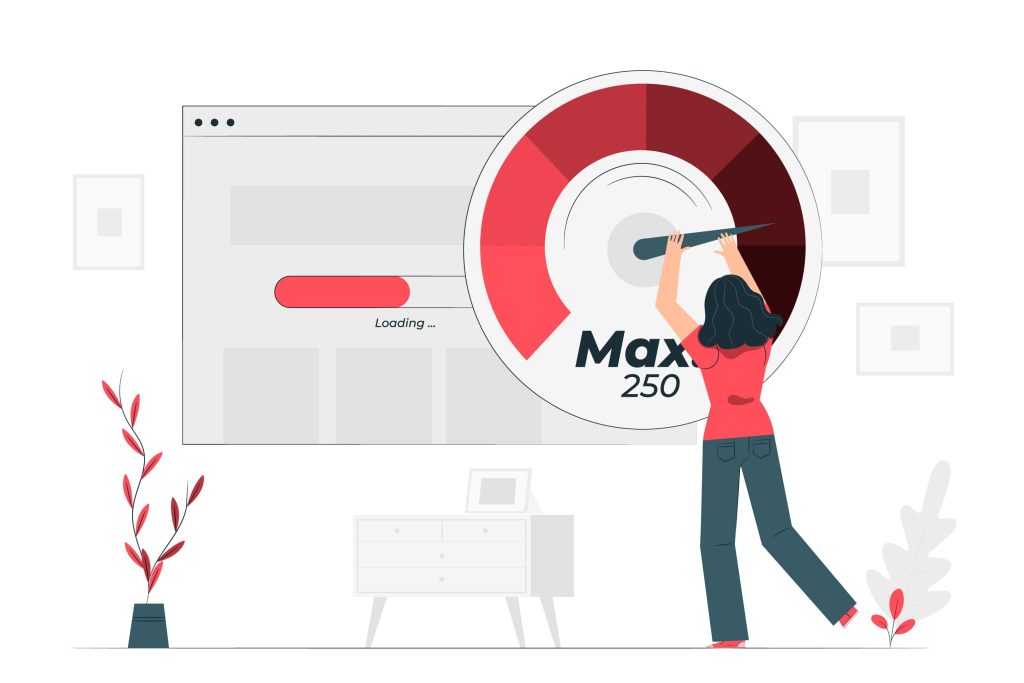
Slow websites frustrate users and result in higher bounce rates. Speed is also a significant ranking factor for Google.
How to Avoid This Mistake:
- Use caching plugins like WP Rocket or W3 Total Cache.
- Optimize images by compressing them using tools like TinyPNG.
- Choose lightweight themes and avoid unnecessary scripts.
10. Not Planning for Scalability
If you’re building a website for immediate needs without considering future growth, you could face challenges when scaling up.
How to Avoid This Mistake:
- Choose scalable hosting solutions.
- Use a flexible theme and well-coded plugins that can handle increased traffic.
Professional Advice from Experts
At CodiCo, our WordPress development experts have seen countless websites fall victim to these mistakes.
“Creating a website is more than just design — it’s about building a functional, secure, and scalable online platform. By avoiding these common errors, businesses can save time and money while ensuring a successful online presence.” — says Artem Pankratov, Head Manager at CodiCo.
If you’re looking for professional support to create a website or need help with WordPress customizations, our team at CodiCo is here to help. From planning and design to optimization and security, we deliver top-notch website development services tailored to your needs.
Conclusion
Building a website on WordPress can be both exciting and overwhelming. By understanding and avoiding these common mistakes, you can ensure your site is optimized for success from day one. Ready to take your WordPress website to the next level? Let CodiCo’s experienced developers help you create a site that meets your goals and exceeds expectations.