AI dispatch agent: WhatsApp and email updates to customers
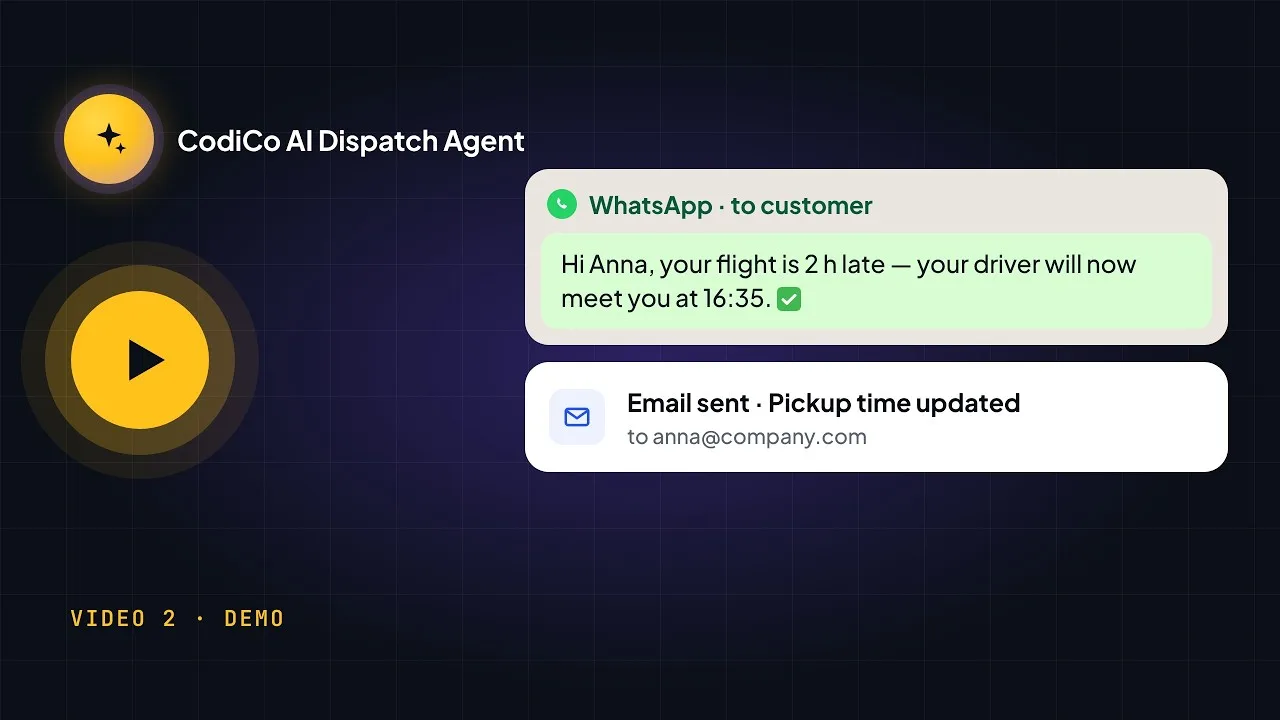
Watch the CodiCo AI Dispatch Agent change a booking’s pickup time by voice and tell the customer about it — first on WhatsApp, then by email — without typing or copying between apps.
Click a timestamp to play the video from that moment.
Video transcript
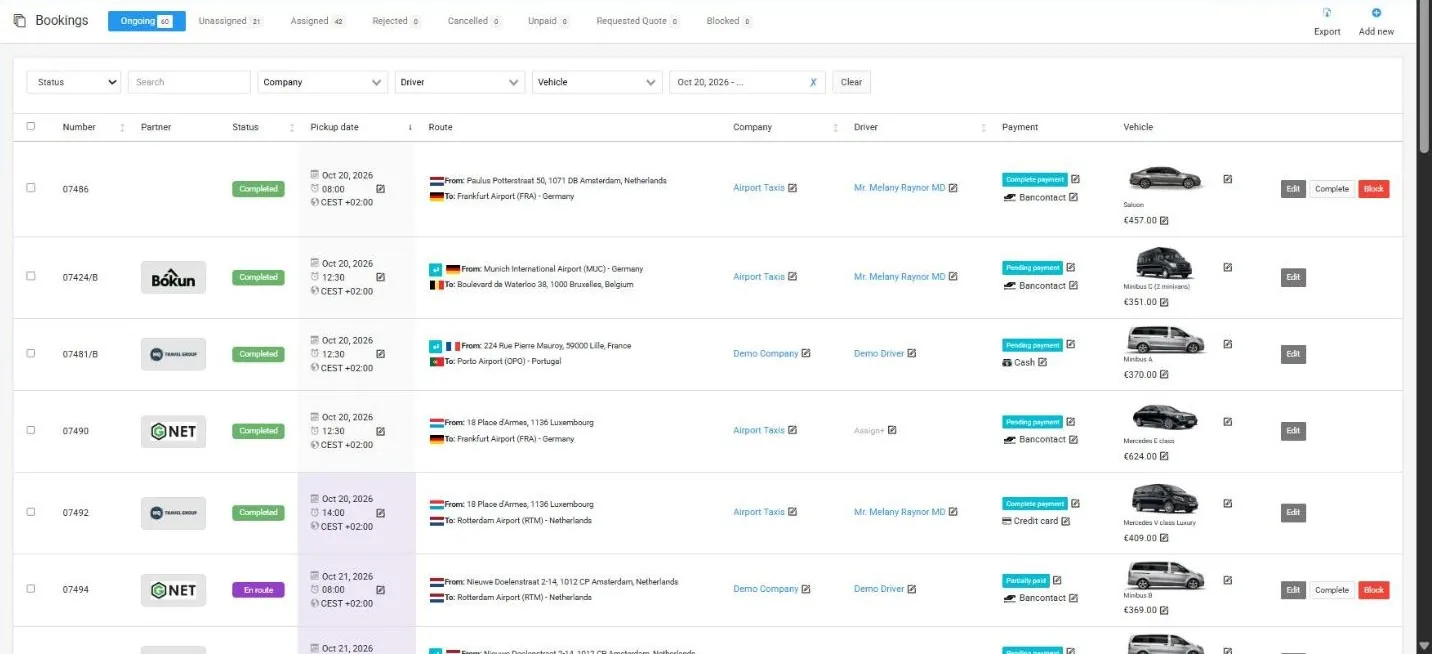
0:01Hello everyone. In this video, I want to present some new features of our AI dispatch agent and show you how he can contact your customers and send them notifications via WhatsApp or email. So, let’s begin. Hey CodiCo, do we have some bookings for tomorrow? Your booking. Okay. Could you open the last one?
0:56Perfect. Please update the pickup time to 8:00 p.m. Yes. Confirm. So as we can see, he finds the bookings for tomorrow, opens the last one and updates the pickup time. So here we see the customer contact details, and now we need to inform the customer about the update. Hey CodiCo, please send a WhatsApp notification to the customer of this booking and tell him that we have updated his pickup time.
1:59Did you see? It works in dev mode, so he shows what he wants to do. Yes. Confirm. Okay. Okay. And now we see that in WhatsApp we have one new message. Let’s check it. So if we open it, we see: we have updated your pickup time for booking number … to 8:00 p.m. Okay, perfect. And now let’s check how he sends an email. The client has an email address. Hey CodiCo, please can you send an email notification to the customer of this booking that we have updated his pickup time?
2:55Yes, confirm. Okay. Now, if we open Gmail, we see that we have a CodiCo Dispatch message from the operator. And if I open it, we see: we have updated your pickup time for booking number … So, okay. So, what did we see in this video? Stop, please. So, as we can see, we found the bookings, we updated the booking and we sent the WhatsApp and email notifications to the customer about the update.
3:44Thank you for your attention. Have a good day. Bye-bye.
Show full transcript ↓
Aziza
Customer manager
Hello 👋🏻
Any questions related to CodiCo Airport Transfers & Taxi Dispatch Software?